Connect Postgres to Collate, Then Get Out of the Way
Introduction
PostgreSQL needs no introduction. It's been a foundational database for decades, it runs everywhere from Docker containers to managed cloud instances, and its wire protocol has become the compatibility layer half the data ecosystem builds against. Vectors, AI extensions, time series plugins: if there's a use case, there's probably a Postgres extension for it. The question isn't whether your organization uses Postgres. The question is whether the data in it is visible, governed, and usable by the people who need it.
Collate's Postgres connector answers that, and the more interesting story is what happens after the connection is established.
Setting Up the Connector
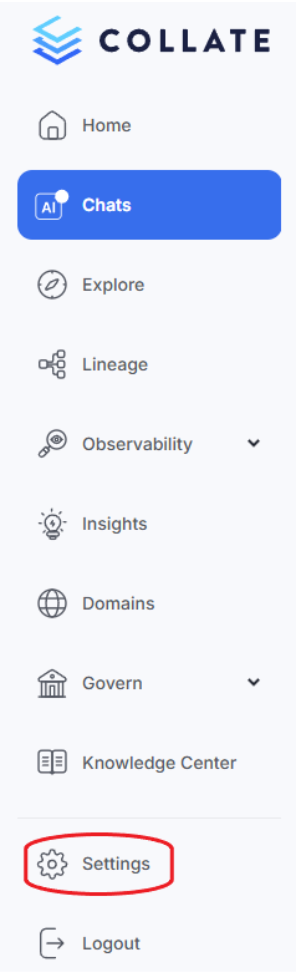
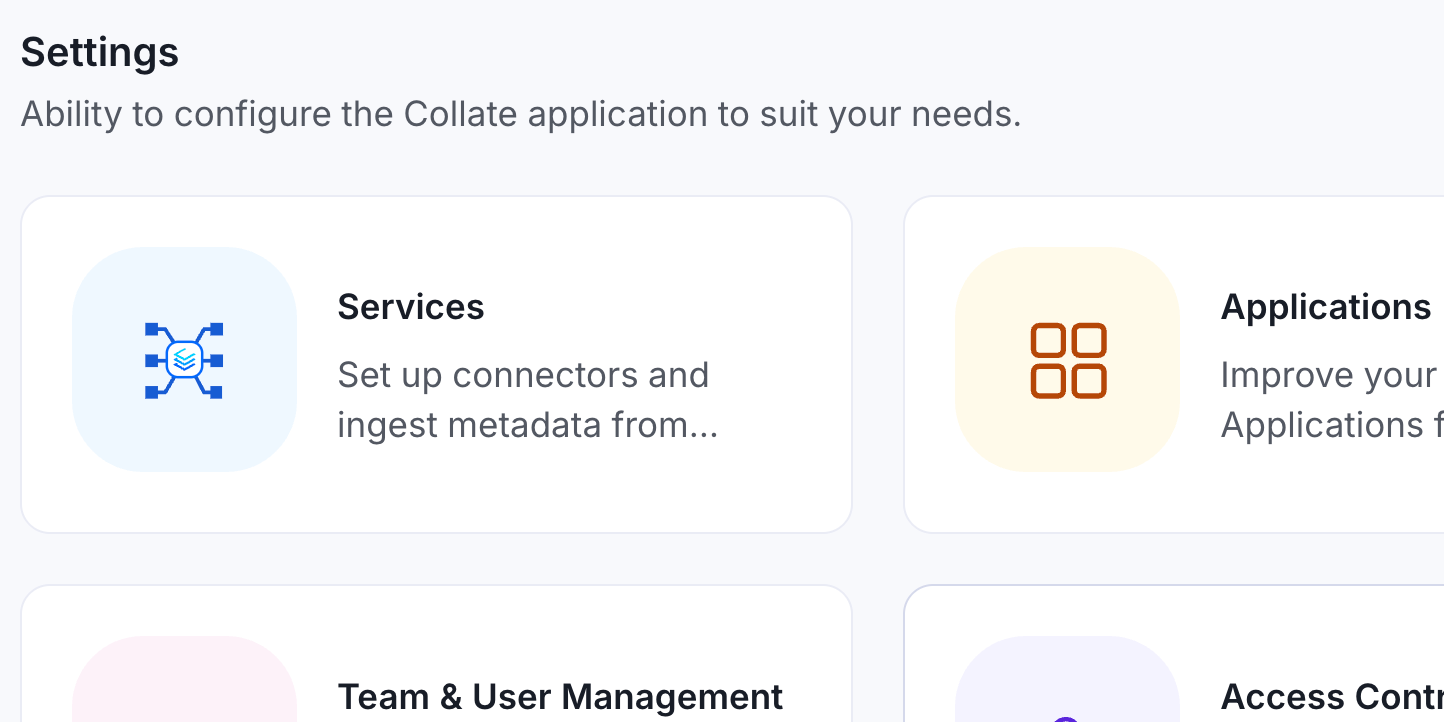
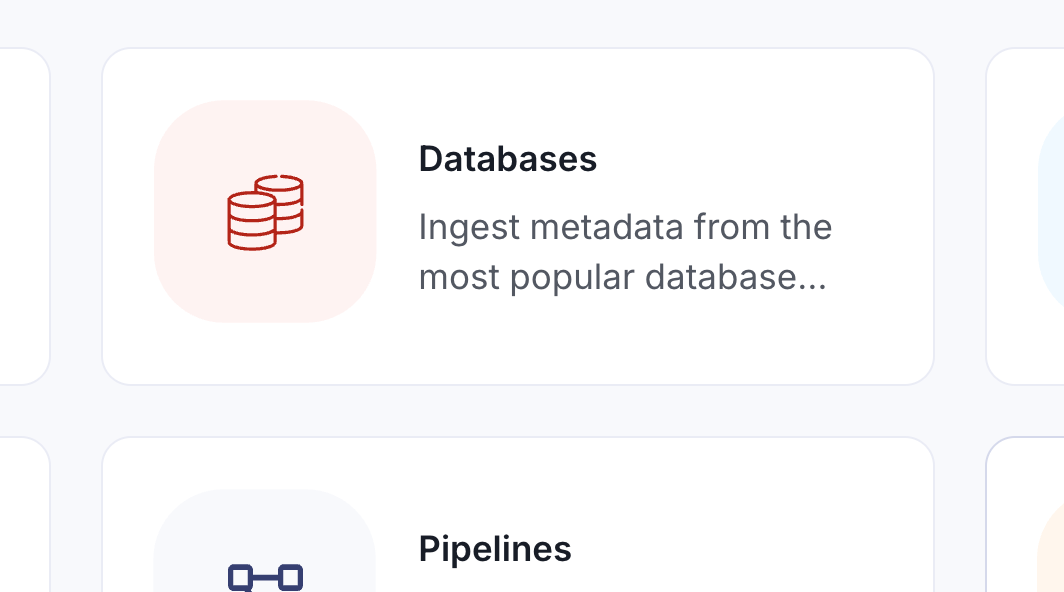
From Collate's landing page, navigate to Settings > Services > Databases, where Postgres can be easily found among the extensive list of supported connectors. The process looks like this:
1. Navigate to Settings: Begin by accessing the services section in Collate's settings.
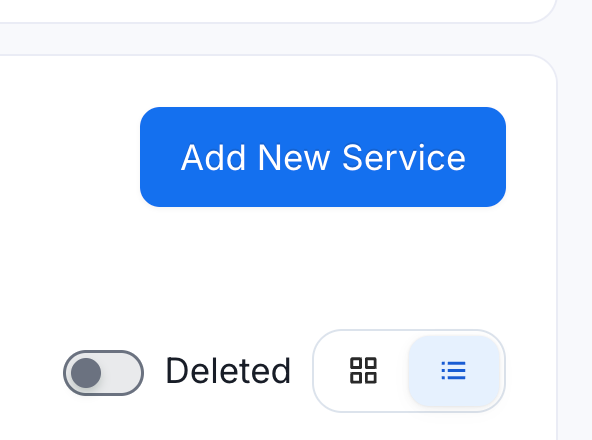
2. Add New Database Service: Select “Services”, then “Databases”, then "Add New Service" and search for Postgres in the service list.
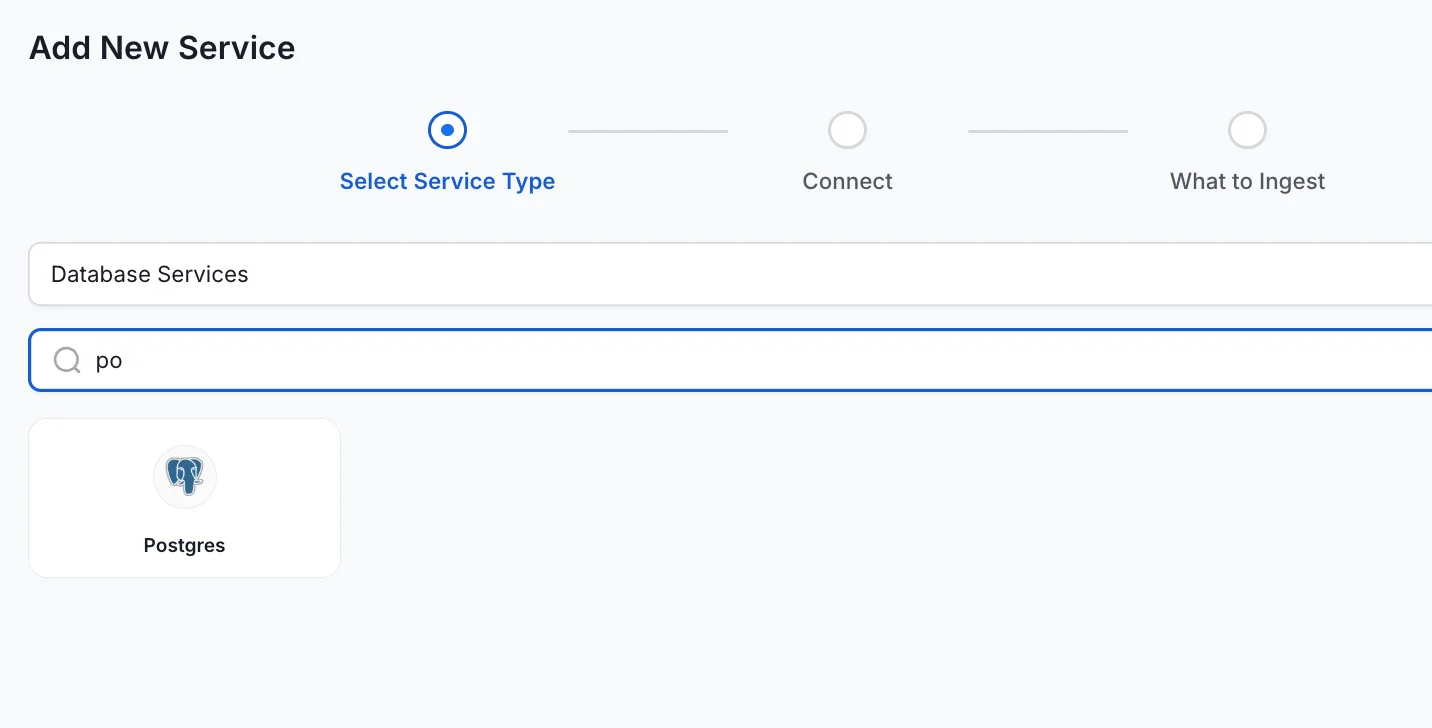
3. Configure the Connection:
The setup asks for the basics: username, password, host, and port. Authentication supports standard credentials, IAM, and Azure-hosted deployments, which cover the main flavors of managed Postgres. For local or tunneled instances, something like ngrok works fine to expose the connection.
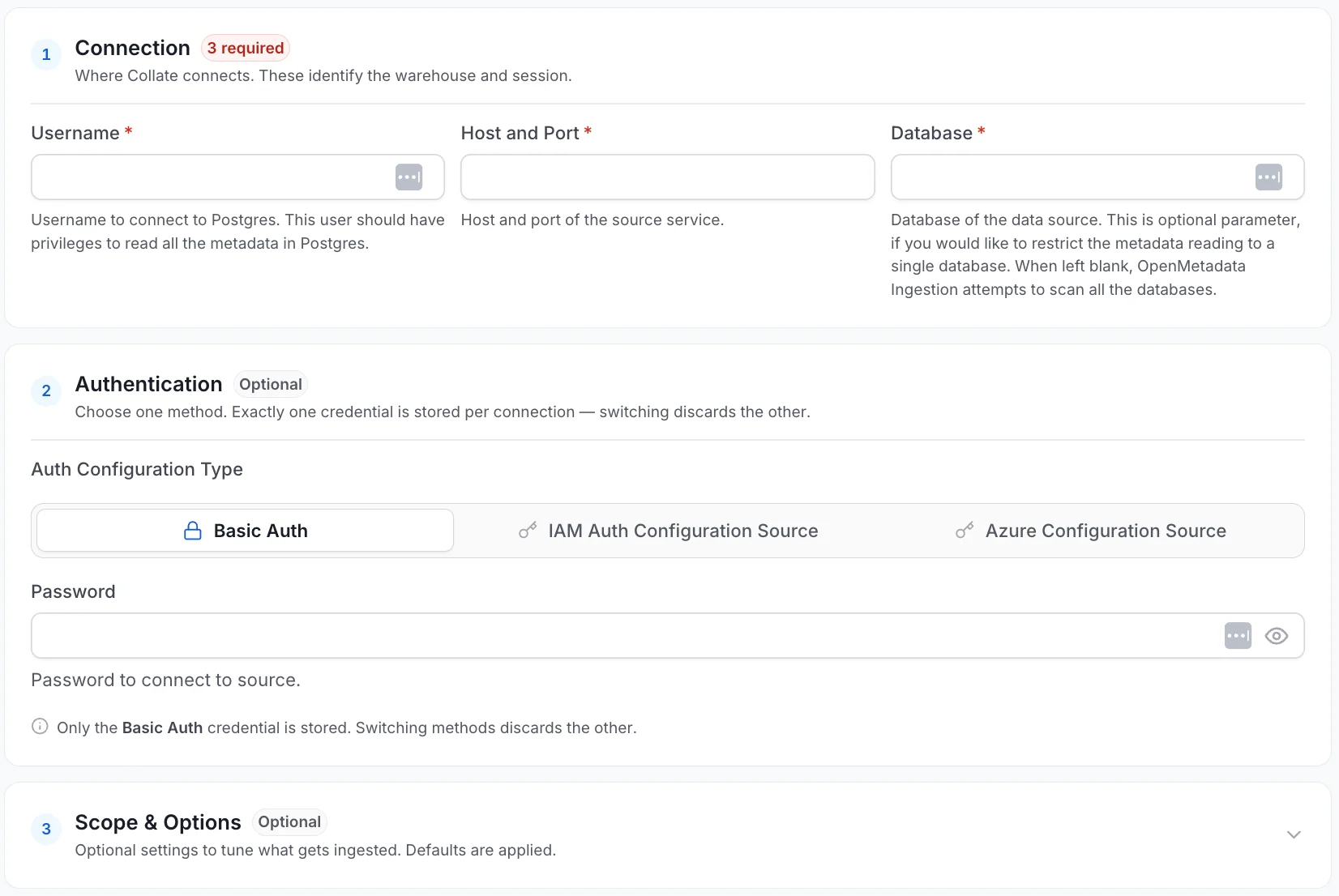
One option worth noting is that the connection form includes schema-level filtering. If your Postgres instance has multiple schemas and you only want to catalog a specific one, you set that here rather than ingesting everything and cleaning it up afterward. Scoping the connection at setup is cleaner than filtering after the fact.
The test connection performs a variety of tasks. It validates the specific grants that Collate needs to function: access to database schemas, tables, and views, as well as usage statistics. If a check fails, the interface surfaces which grant is missing. Combined with the documentation that lives alongside the setup form, this makes troubleshooting a failed connection considerably faster than parsing a generic timeout message.
Autopilot: The Part Where You Step Back
Once the connection is saved, Collate's Autopilot automatically starts, without any additional configuration. This is likely different from what most teams expect from a data catalog setup.
Autopilot queues a sequence of agents that run against the connected Postgres instance. The metadata agent pulls table structure, column types, primary keys, and schema organization. The lineage agent traces how data flows between tables and views. The usage agent captures query patterns against the database. The profiler agent samples data distributions. The autoclassification agent identifies sensitive fields. The dbt agent looks for a transformation context if dbt is part of the stack. Two AI-powered agents, for documentation quality and tiering, layer on top of all of that.
These run sequentially, and you can watch them complete in the agents panel. It only takes a few minutes before you have column-level metadata, lineage graphs, and AI-generated descriptions across its tables. You didn't have to tell Collate what to look for or how to interpret it.
Lineage
Lineage in Collate isn't limited to the table level. Once the lineage agent runs, you can trace individual columns through views and downstream tables to see exactly how a field like customer ID moves across the schema. For teams trying to understand the impact of a schema change before making it, or trying to audit where a specific field ends up, column-level lineage is the relevant unit.
Autoclassification and Sample Data
When the autoclassification agent is triggered, it runs in a deliberate order: classify first, then pull sample data. If a field is identified as PII before sample data is collected, that sample data is obfuscated for non-admin users in the platform. This matters because showing sample data helps clarify what's in a table, but showing unmasked PII to everyone with catalog access is a governance failure. Know what the data is before deciding who gets to see it in plain text. Admins retain full visibility for verification, while general users see the governed view.
Conclusion
Setting up a Postgres connection in Collate takes a few minutes. What that connection unlocks, through Autopilot, is a governed, documented, lineage-traced, AI-enriched representation of your database that would take weeks to build manually and would immediately start falling out of date. The knowledge graph that builds in the background is the foundation for AI agents that actually understand your data stack, and don’t have to guess.
Postgres has always been reliable. Now it can be understood.
To explore further, consider the Collate Free Tier for managed OpenMetadata or the Product Sandbox with demo data.
Fashion Retailer Mango’s Data Journey with Collate
Read the case study

Sign up to receive updates for Collate services, events, and products.
Share this article


Ready for trusted intelligence?
See how Collate helps teams work smarter with trusted data