Connecting Collate to MLflow: Bringing Governance to Your Machine Learning Models
Introduction
Machine learning models don't exist in isolation. They depend on data pipelines, feature engineering, and countless decisions made throughout the development process. Yet for many organizations, ML models remain something of a black box, disconnected from the broader data governance framework. That's where connecting Collate to MLflow comes into play.
Why MLflow Matters
If you're working with machine learning at scale, you're likely already familiar with MLflow. It's become the de facto standard for ML model tracking and management, especially as organizations dive deeper into GenAI and MLOps workflows. Databricks has invested heavily in MLflow, making it the primary tool for observability and management of machine learning operations. MLflow excels at tracking experiments and managing models, but it doesn't integrate naturally with your broader data governance strategy. That's the gap Collate fills.
Setting Up the Connection
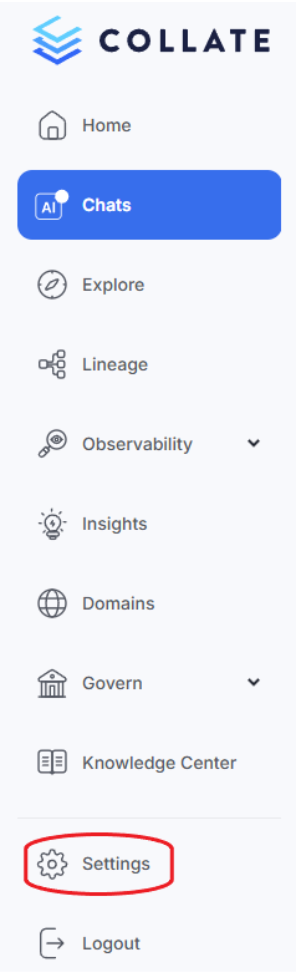
The initial setup to connect Collate to MLflow is straightforward. Starting from Collate's landing page, navigate to Settings > Services > ML Models, where MLflow is easily located among the supported connectors. The process looks like this:
1. Navigate to Settings: Begin by accessing the services section in Collate's settings.
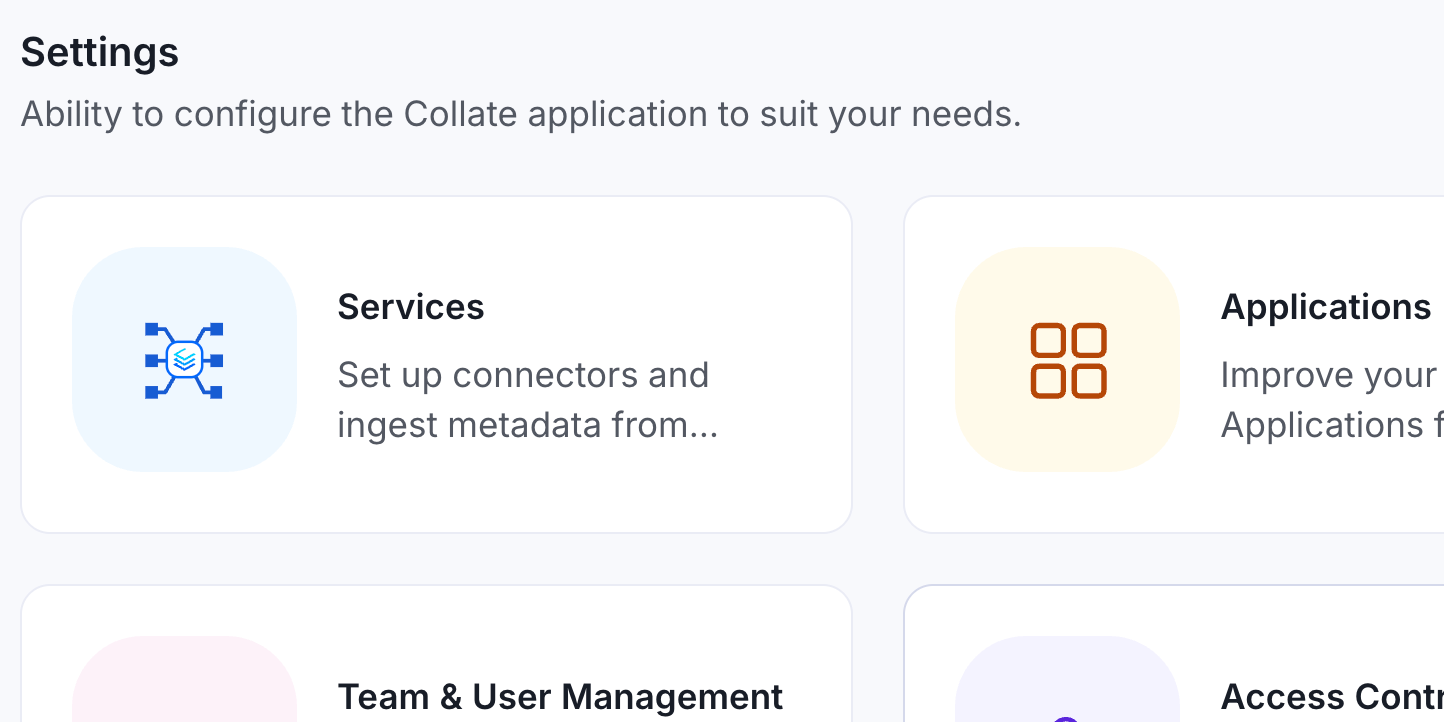
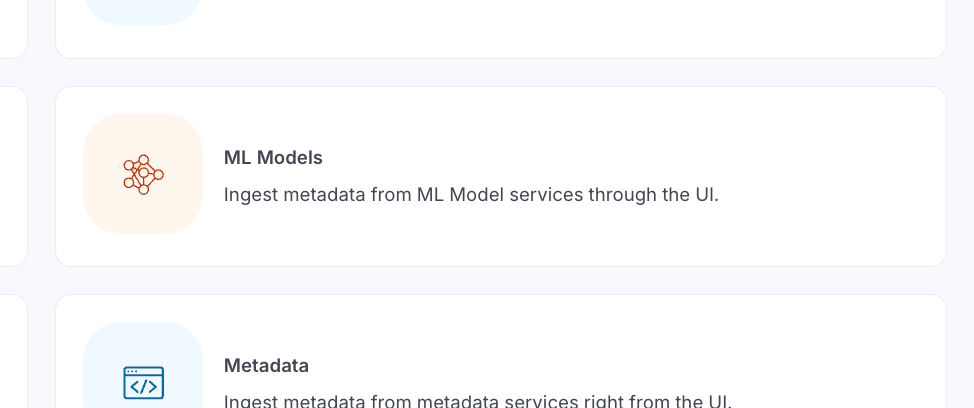
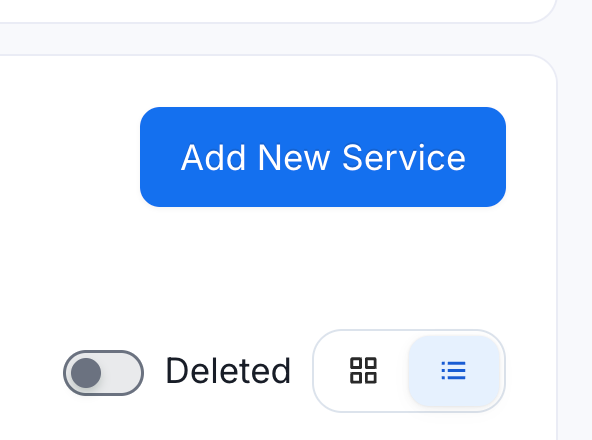
2. Add New ML Model Service: Select “Services”, then “ML Models”, then "Add New Service", and select MLflow from the service list.
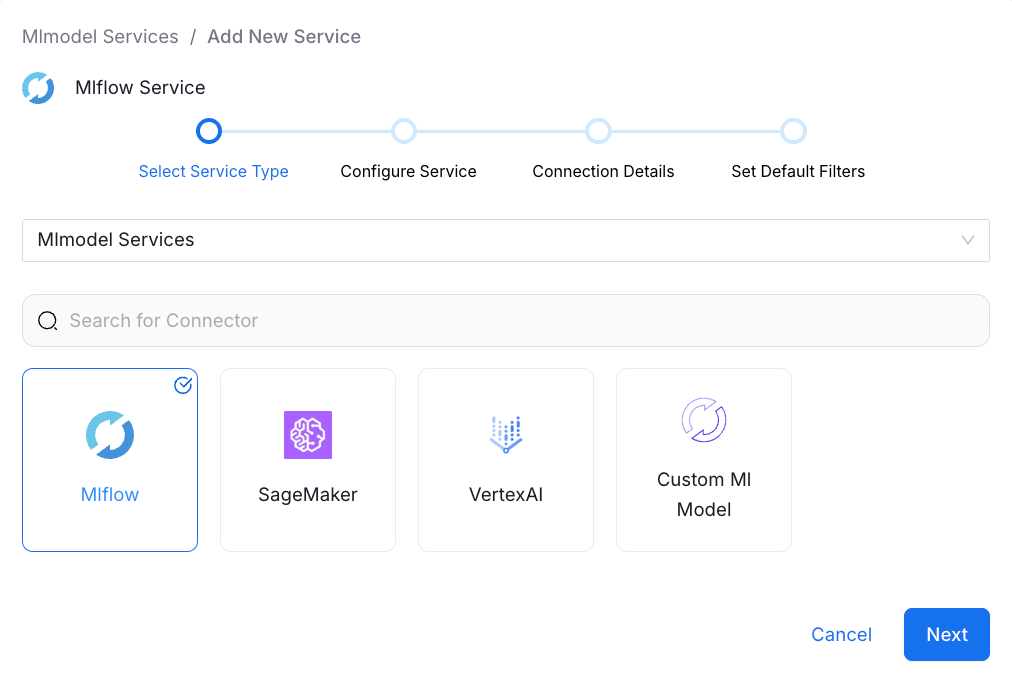
3. Credentials:
Connecting Collate to MLflow is straightforward. You need just two pieces of information: the tracking URI and the registry URI. The tracking URI points to the MLflow-hosted platform interface, where you manage your models and view experiments. The registry URI points to the underlying database where your ML models are actually stored.
In a local development environment, these two URIs might be identical, pointing to something like localhost:5000. In production, you're more likely to see a MySQL or SQLite database handling the registry, separating the interface from the storage layer.
Once you've entered these connection details and tested the connection, Collate automatically fires up its metadata agent. Within moments, you're looking at all your registered ML models, ready to explore and govern.
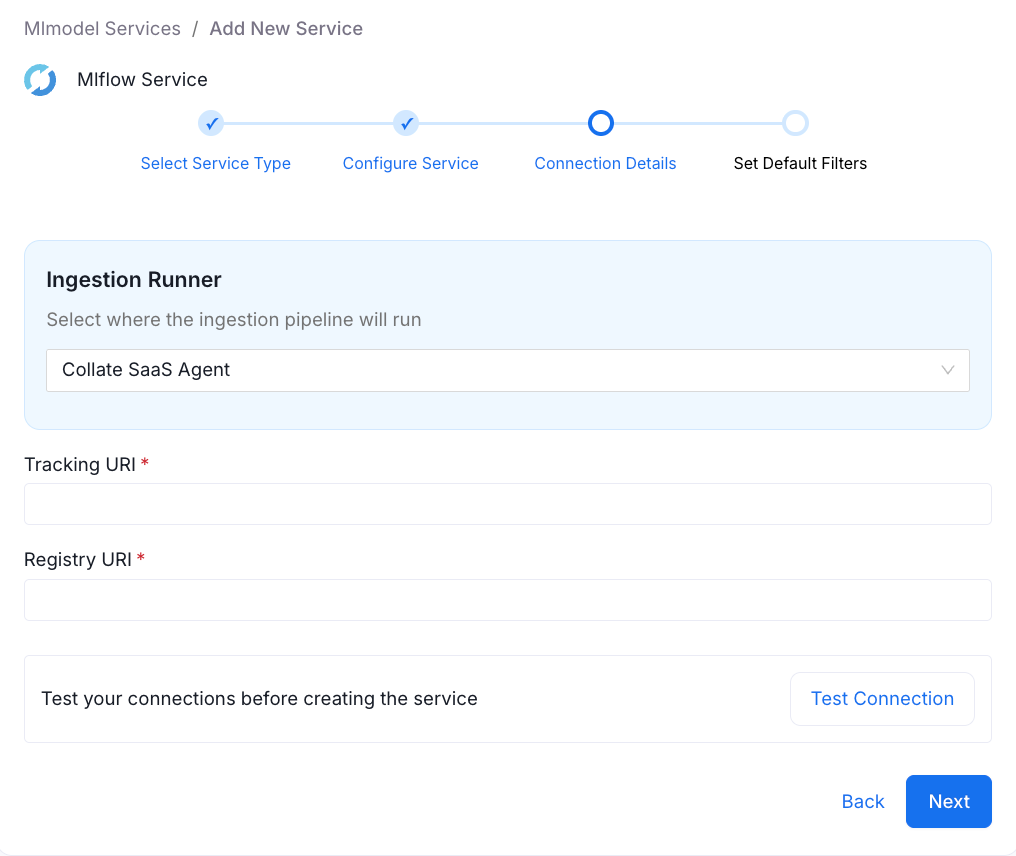
What You Get: Features, Hyperparameters, and More
After the initial ingestion, Collate presents your ML models with the details clearly laid out. Take this wine quality model as an example. You can immediately see the feature set: fixed acidity, volatile acidity, and all the other variables that feed into the model's predictions. These aren't just listed abstractly; they're presented as actual data elements you can document, tag, and govern.
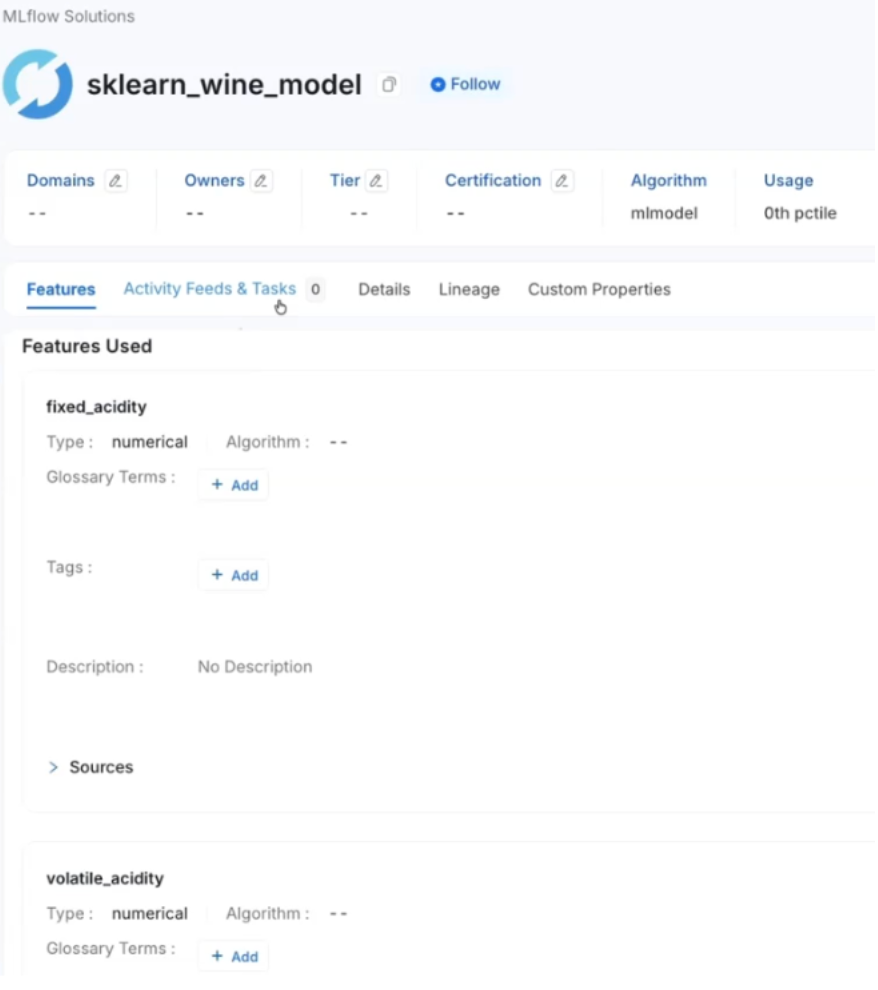
The hyperparameters are there too. If you're looking at a random forest model, you'll see the specific hyperparameters that define its behavior. And if you need to dig deeper, there's a direct link to view the model in MLflow itself, giving you quick access to the source system when required.
Lineage For ML Models
In addition to cataloging your ML models, Collate traces their lineage back through your data landscape. You can see exactly which datasets feed which models, right down to the column level.
Consider that wine quality model again. The lineage view shows a CSV file in your data lake, with specific columns flowing into particular model features. You can see that fixed acidity, volatile acidity, and other measurements correspond to their respective features in the model. The quality column, used as the training target, stands out in the lineage graph, making the model's purpose immediately clear.
This is obvious when stated plainly: you want to know where your model's data comes from. But in practice, this information often lives in someone's head, in scattered documentation, or in nested folders that may or may not reflect the current state of production. When datasets change, or with this example, when someone decides to apply a white wine model to red wine data, or when files get reorganized, that context can easily get lost.
With lineage captured in Collate, you have a permanent record of these relationships. If the underlying data changes, if quality checks fail, or if someone needs to trace an unexpected model behavior back to its source, the information is right there in the lineage graph.
Governance Meets Machine Learning
The real value of connecting MLflow to Collate isn't just visibility; it's governance. Once your ML models are in Collate, you can apply the same governance practices you use for the rest of your data assets.
Add glossary terms to standardize vocabulary across teams. Apply tags to categorize models by use case, sensitivity, or compliance requirements. Write descriptions that explain not just what a model does, but why it was built and what business problem it solves. You can even specify different algorithms for different features, accommodating multi-layered systems where an XGBoost model might sit at the top level.
This governance layer becomes particularly valuable in production environments. Your data pipeline probably runs through bronze, silver, and gold layers before reaching the ML model. Various transformations happen along the way. Data quality checks ensure the inputs meet specific standards. All of this can be captured, documented, and governed in one place.
For data scientists, this means they can focus on building models, trusting that data engineering teams have validated the data feeding their work. For data engineers, it means they can set quality gates and document their work, knowing that downstream consumers will see and understand those guardrails. Everyone operates from the same understanding of the data landscape.
Conclusion
Connecting Collate to MLflow isn't about adding complexity to your ML workflow. It's about bringing your ML models into the same governance framework you use for everything else. The technical setup takes minutes. The metadata ingestion is automatic. And the result is a clear, governed view of your machine learning landscape that integrates seamlessly with your broader data architecture.
Whether you're running a handful of models or managing ML at scale, the ability to trace lineage, apply governance, and maintain institutional knowledge about your models isn't a nice-to-have. It's table stakes for mature ML operations.
To explore further, consider the Collate Free Tier for managed OpenMetadata or the Product Sandbox with demo data.
Fashion Retailer Mango’s Data Journey with Collate
Read the case study

Sign up to receive updates for Collate services, events, and products.
Share this article


Ready for trusted intelligence?
See how Collate helps teams work smarter with trusted data