Dremio and Collate: The Perfect Union In Your Data Stack
Introduction
Dremio occupies a specific and useful spot in the modern data stack, and it was just acquired by SAP. It's a query engine built for data lakes, designed around the idea that you shouldn't have to copy and move data through every stage of a pipeline just to transform and query it. If you're running Apache Iceberg, Dremio is a natural compute engine to pair with it. Because Collate treats Iceberg support as something the compute engine handles rather than as something that needs its own dedicated connector, you get Iceberg coverage automatically when you connect Dremio.
The Dremio connector in Collate is an important part of your data ecosystem; a companion video is available here.
Setting Up the Connector
Dremio appears in Collate under Settings > Services > Databases as a standard database service. The setup options include namespace filtering, which is worth paying attention to if your Dremio instance has a lot going on. Dremio organizes data into namespaces, and if you don't want to ingest everything, the namespace filter is just one more way that Collate lets you scope the connection to only what's relevant. That's a small thing that saves a lot of noise in the catalog.
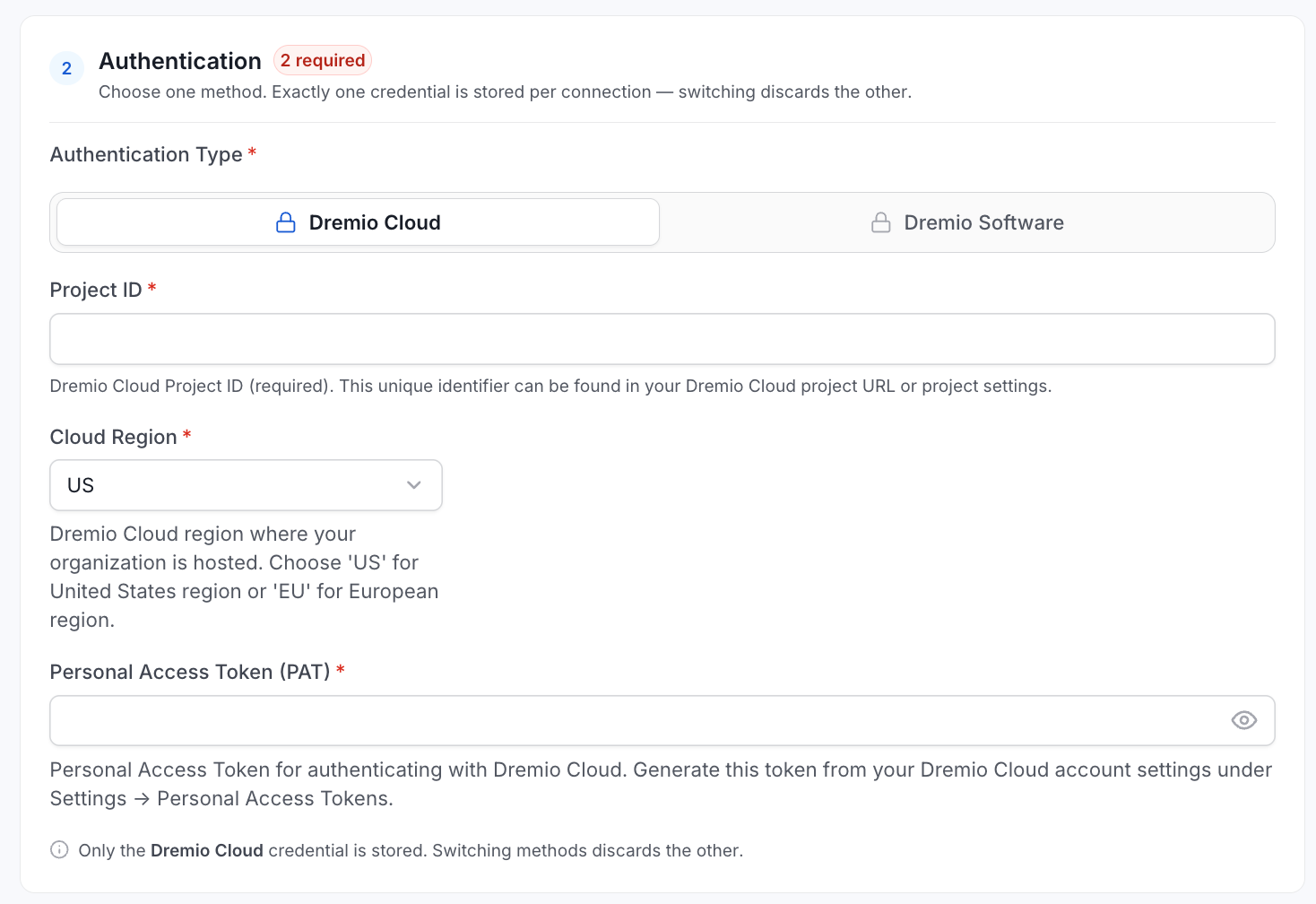
For Dremio Cloud specifically, you need three things after naming the service: a region selection, the project ID, and a Personal Access Token from Dremio. The project ID lives in the URL of your Dremio Cloud interface. The other required field is a personal access token generated directly from the account settings in Dremio. Token expiration is configurable, which is a good habit to enforce in any integration that touches production systems. The documentation for the connection is also available here.
1. Navigate to Settings: Begin by accessing the services section in Collate's settings.
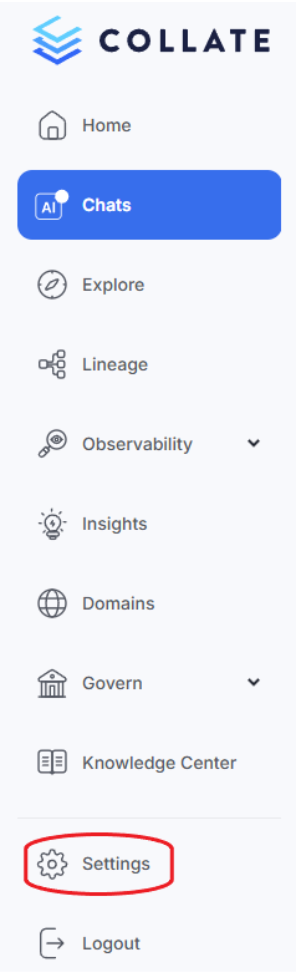
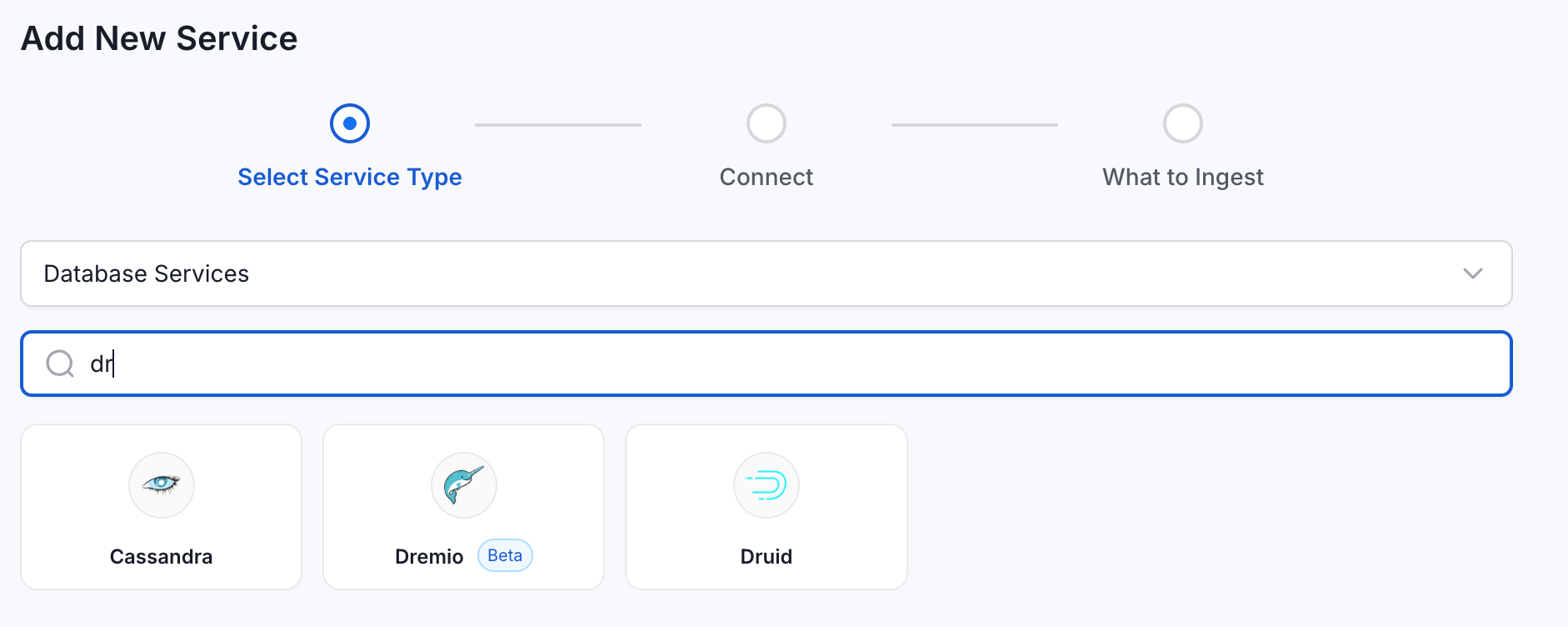
2. Add New Database Service: Select “Services”, then “Databases”, then "Add New Service" and search for Dremio in the service list.
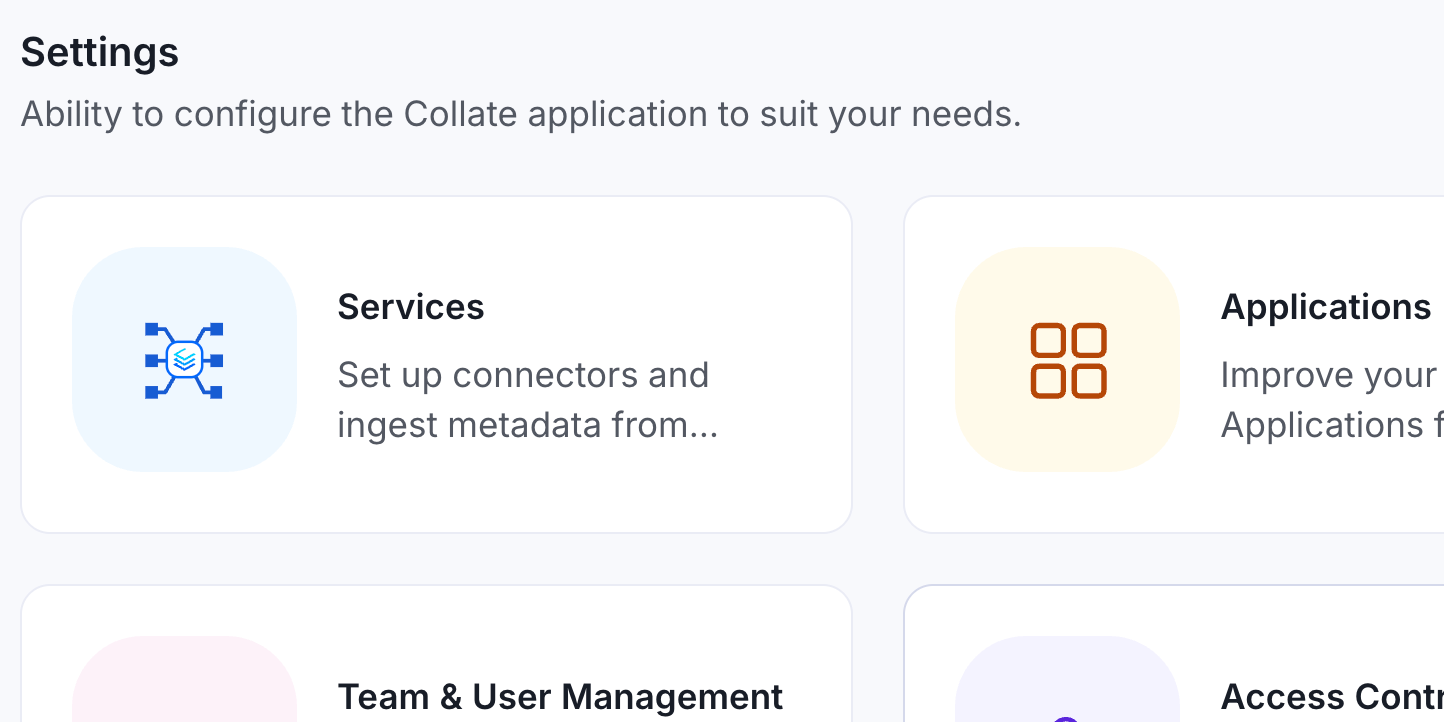
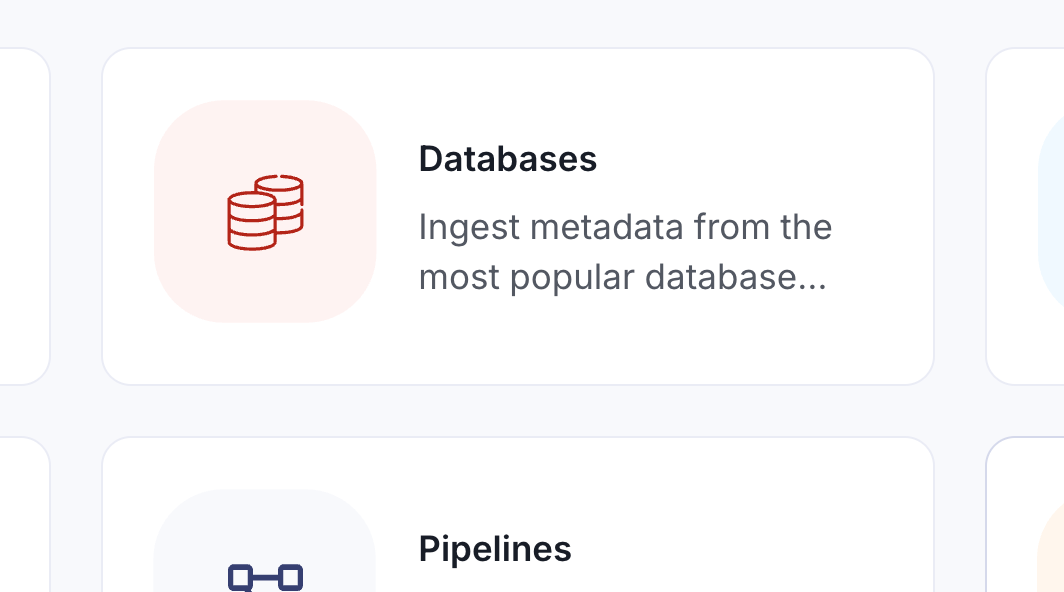
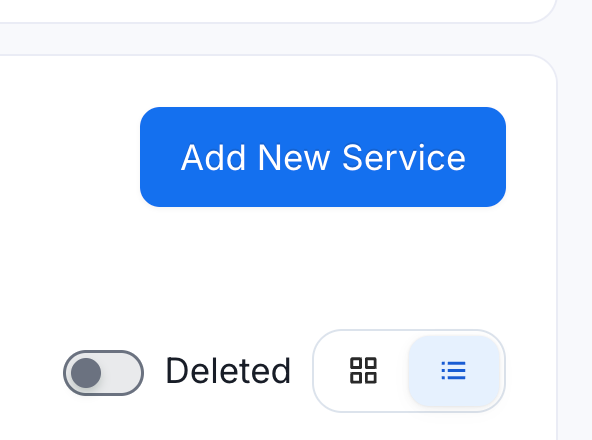
3. Configure the Connection: You'll need to provide:
- Auth Type
- Project ID
- Personal Access Token
Test the Connection
As an aside, there has been a significant change to the “Test Connection” status display. The updated connection test now displays detailed networking diagnostics instead of a generic "connection failed" message. You can see whether the host resolved, whether the socket opened, and where exactly in the handshake something went wrong if it does.
For anyone who has spent time troubleshooting connector issues in the field, this is a meaningful improvement. A timeout message tells you nothing. Knowing that the socket didn't open, or that the host didn't resolve, cuts the diagnostic loop considerably. There's also a full log available after the test runs, which gives even more to work with when something isn't behaving.
What Gets Ingested
Once connected, Dremio surfaces exactly as you'd expect: the namespaces and tables you allowed during setup appear in Collate as cataloged database assets. In the demo, using Dremio's built-in samples, column-level metadata was present, and the standard Collate governance layer applied immediately: domain assignment, ownership, tags, glossary terms, certifications, and data product membership are all available on any Dremio asset from the moment it's ingested.
Lineage for Dremio fits into the broader picture that makes this connector worth having. If Dremio is sitting downstream of Iceberg and upstream of a BI tool like Tableau, Collate can show that full path: where the data originated, how it moved through the compute layer, and where it landed. That end-to-end trace is the value, and every connector added to Collate extends the reach of that lineage graph.
You’re now able to enhance your Dremio catalog as you would any other asset in Collate.
Conclusion
Collate is past 120 connectors at this point, and the pattern is consistent: each addition extends your coverage, brings more of the data stack into a single governance view, and reduces the number of places a team has to look when something breaks or changes unexpectedly.
To explore further, consider the Collate Free Tier for managed OpenMetadata or the Product Sandbox with demo data.
Fashion Retailer Mango’s Data Journey with Collate
Read the case study

Sign up to receive updates for Collate services, events, and products.
Share this article


Ready for trusted intelligence?
See how Collate helps teams work smarter with trusted data